 Free and open source
Your Mac, at the
speed of typing.
Glide is a keyboard-first launcher for macOS. Press ⌥ Space, type a few letters, and open apps, move windows, paste from your clipboard history, ask AI or automate your Mac, all without the mouse.
For Apple silicon and Intel Macs on macOS 14 or later. No account needed.
No commands to remember.
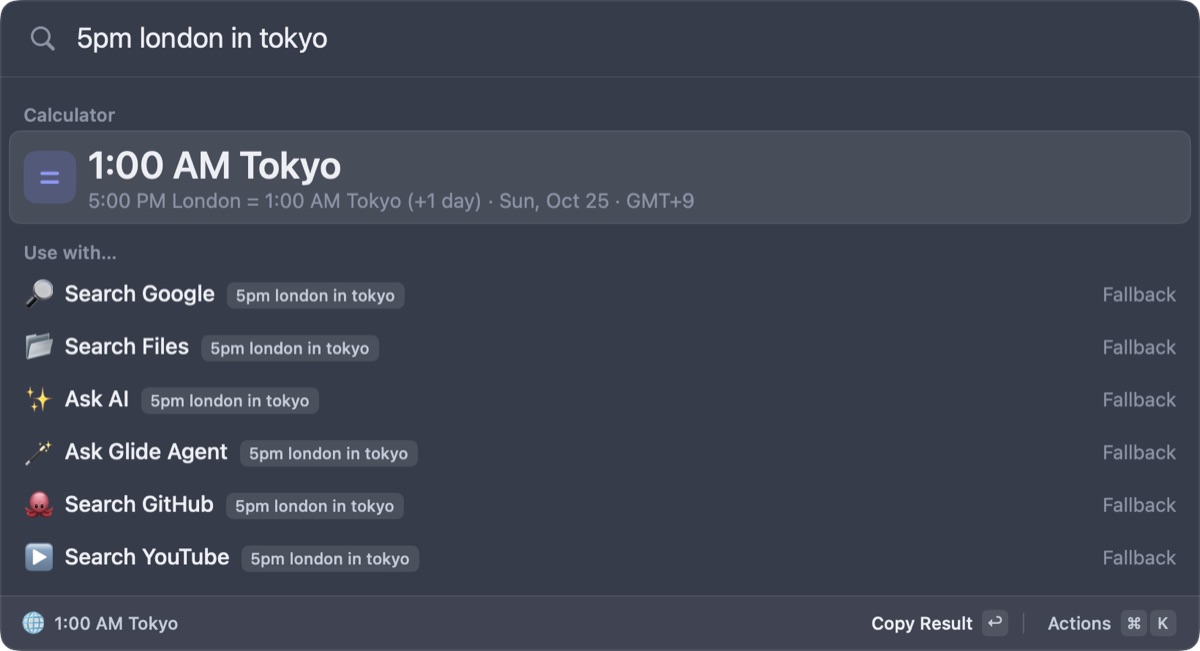
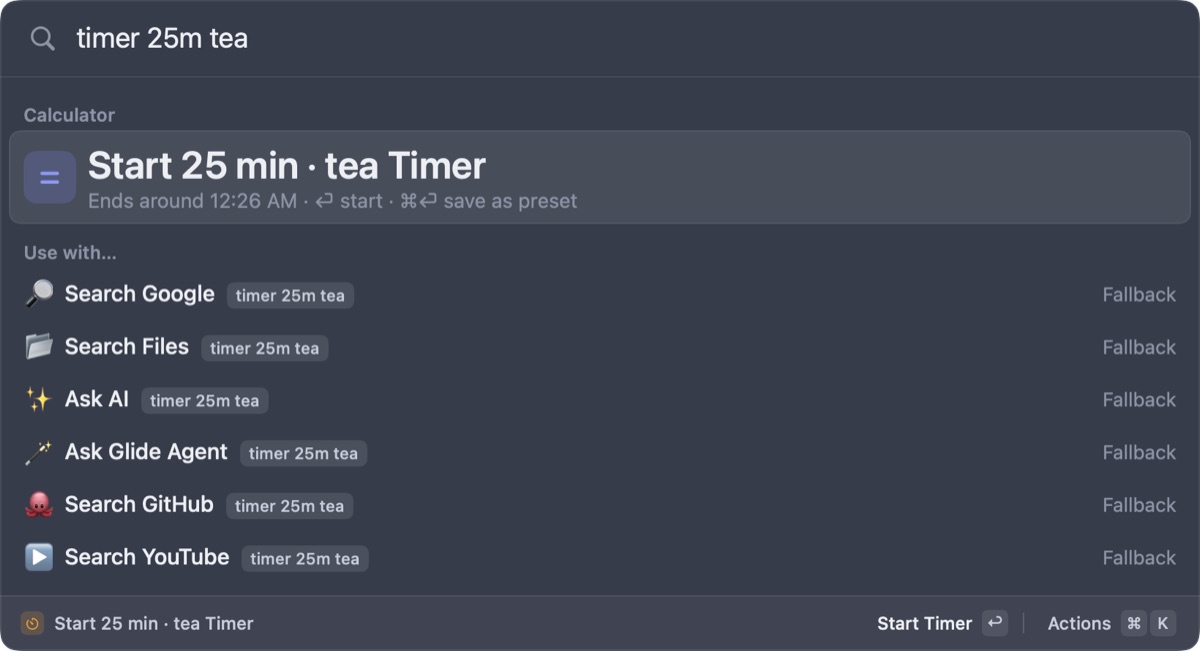
Type what you mean and Glide works it out as you go: math, conversions, time zones, timers and reminders.
5pm london in tokyoTime zones100 usd in eurCurrency5 ft 10 in to cmUnitstimer 25m teaTimerremind call mom tomorrow 9amReminderport 3000Ports
One shortcut for your whole Mac.
Glide replaces a handful of small utilities with one fast, native app.
Search everything
Apps, files, commands and bookmarks, ranked by what you use most. Aliases and hotkeys for anything.
Clipboard and snippets
Searchable clipboard history, even the text inside copied images. A paste stack, and snippets that expand as you type.
Windows and workspaces
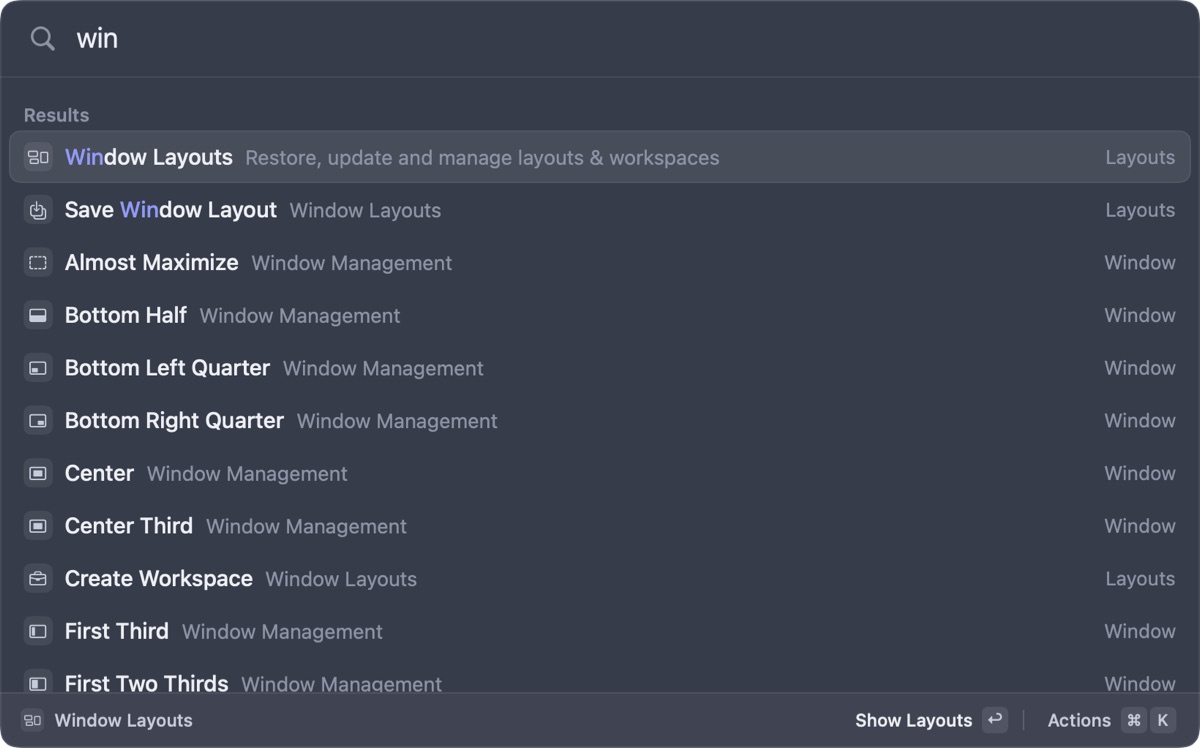
Snap windows into halves, thirds and quarters on any display. Save layouts, or open a whole workspace at once.
AI on your terms
Quick answers, chat, and one-key commands like fixing spelling. Use your own Anthropic or OpenAI key, or a local model with Ollama or LM Studio.
Glide Agent
Describe a task in plain words. The agent shows its plan, asks before changing anything, and can undo.
Automations
Run workflows on a schedule, when an app opens, when your Wi‑Fi changes, or when a new file lands in a folder. No code needed.
Screen text and QR codes
Drag over anything on screen to copy its text, or scan a QR code. It all happens on your Mac.
Extensions and MCP
Install extensions from the store, including Raycast-style ones. Tools like Claude Code can use Glide through MCP.
Handy Mac tools
A color picker, process and port killer, system monitor, menu search, timers, focus sessions, floating notes and reminders.
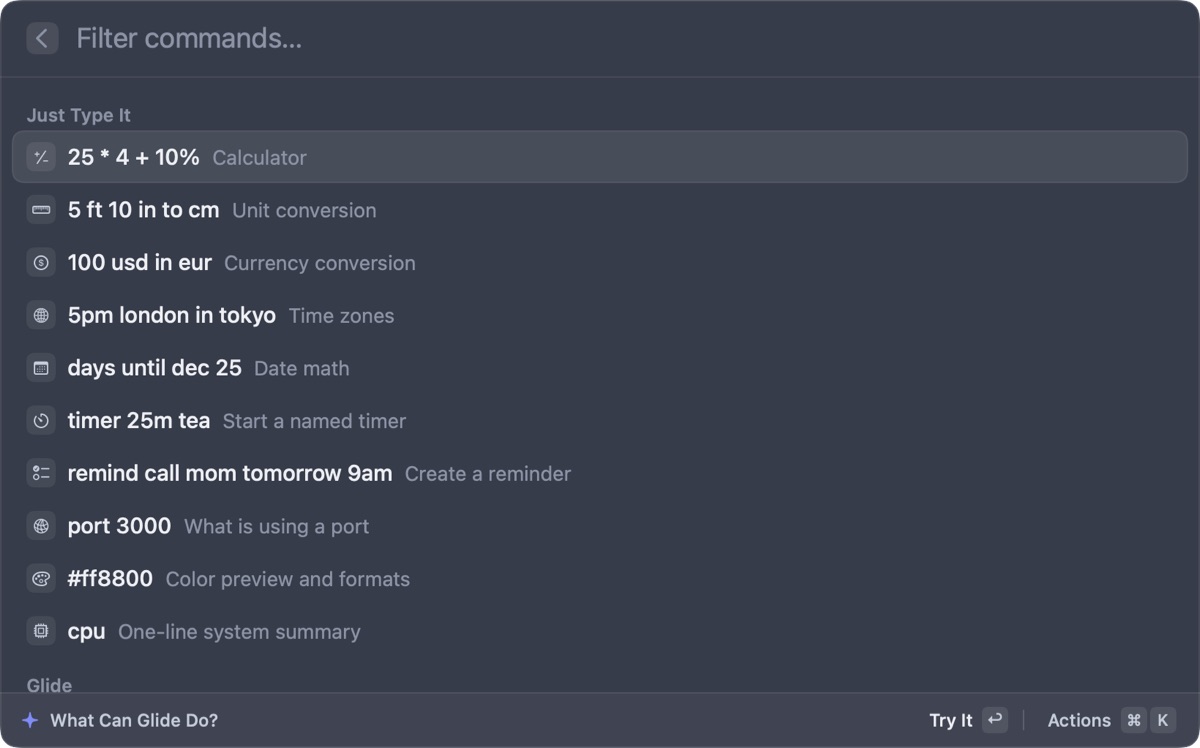
Not sure what it can do? Ask it.
Type help and open What Can Glide Do? to see every command grouped by feature, with examples you can try straight away.
- Keyboard first. ⌘ K shows the actions for anything, and vim keys are there if you want them.
- Make it yours. Light and dark themes, with your own accent, density and text size.
- Sync without an account. Point Glide at iCloud Drive or Dropbox. Your keys never leave the Keychain.
Light, private, and yours.
Glide is a native Swift app, released under the MIT license on GitHub.
Stays light
It uses about 30 MB of memory and next to no CPU while it waits for you.
Keeps to itself
No account, no tracking and no subscription. API keys live in the macOS Keychain.
Open to everyone
Read the code, report an issue, or send a fix. Glide updates itself from GitHub releases.
Up and running in a minute.
Glide isn't notarized by Apple yet, so macOS asks you to approve it once.
- 1Open the .dmg and drag Glide onto Applications.
- 2The first launch is blocked. Open System Settings, then Privacy and Security, and click Open Anyway next to the message about Glide.
- 3Open Glide and it walks you through your hotkey (⌥ Space, or ⌘ Space if you like), permissions, an optional AI key and a theme.
Give your Mac a better launcher.
Free, open source, and built for the keyboard.
For macOS 14 or later.